Buying Guides

Choose the right in-car tech with less guesswork

CoreDrive buying guides help customers compare dash cameras, infotainment receivers, backup camera kits, parking monitors, chargers, mounts, OBD-II tools, alarm systems, tire monitors, and audio upgrades by real driving needs.

Start the Guide Contact Support 24/7 buying support
Close-up of a car dashboard touchscreen infotainment system

Buying framework

Start with the problem you want solved

The best CoreDrive product choice begins with the role the device will play inside your vehicle. A dash camera solves recording and visibility needs, a receiver improves media and phone access, a charger keeps devices ready, and a scanner helps with quick diagnostic awareness.

Primary decision

Buy by driving need before comparing product names

Customers usually get better results when they begin with a specific use case: safer parking, clearer recording, better navigation, faster charging, cleaner phone placement, stronger cabin audio, diagnostic awareness, vehicle security, or tire-pressure support.

After the goal is clear, the right category becomes easier to compare. CoreDrive groups products around dashboard electronics, in-car screens, phone connectivity, power accessories, camera coverage, security devices, and safety tools.
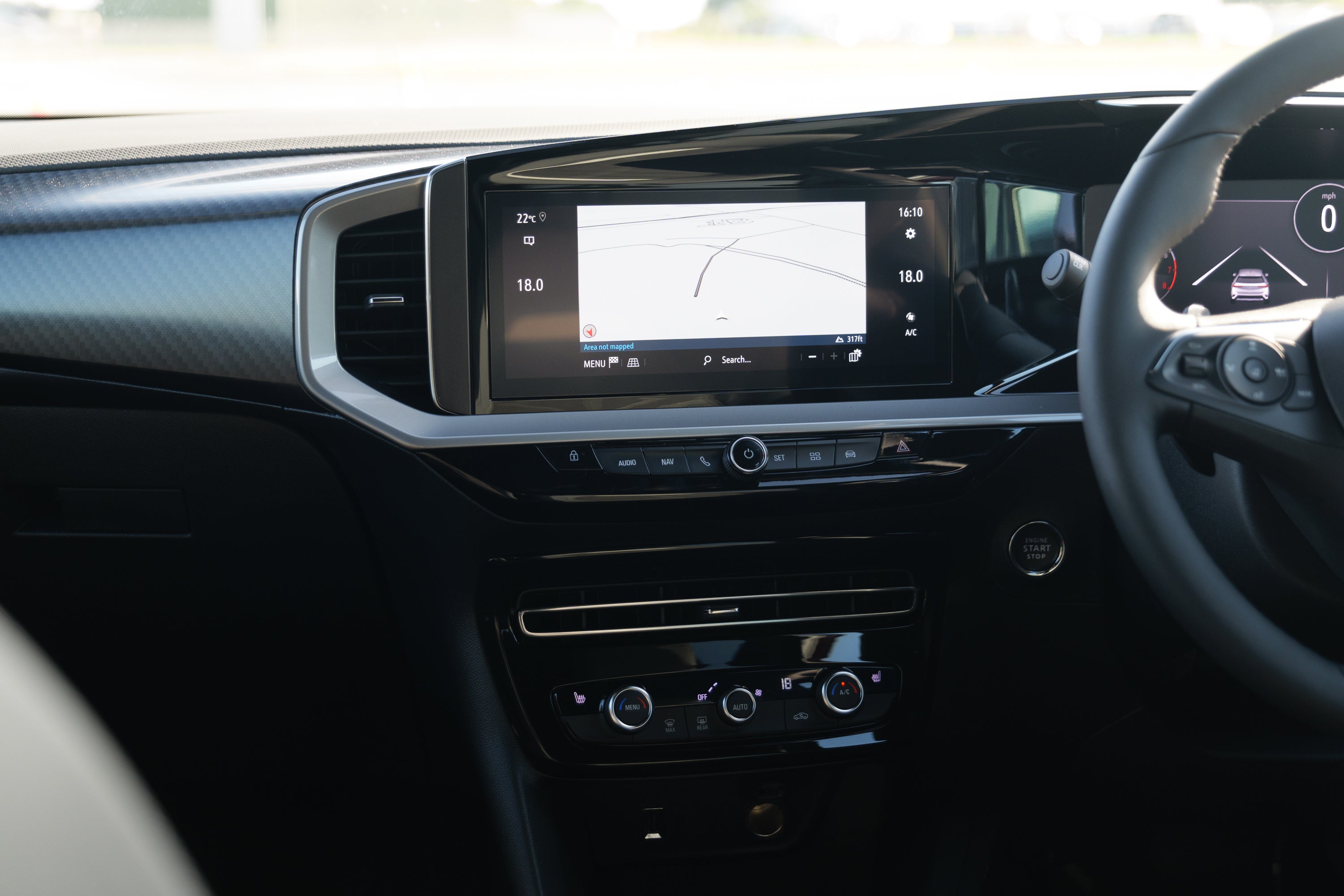
For visibility

Choose cameras and displays

Look at front dash cameras, mirror dash cameras, backup camera kits, parking sensors, display monitors, and dual or 3-channel camera coverage.

For control

Choose receivers and tools

Compare Apple CarPlay and Android Auto receivers, Bluetooth media receivers, OBD-II scanners, remote starters, alarms, and tire safety devices.

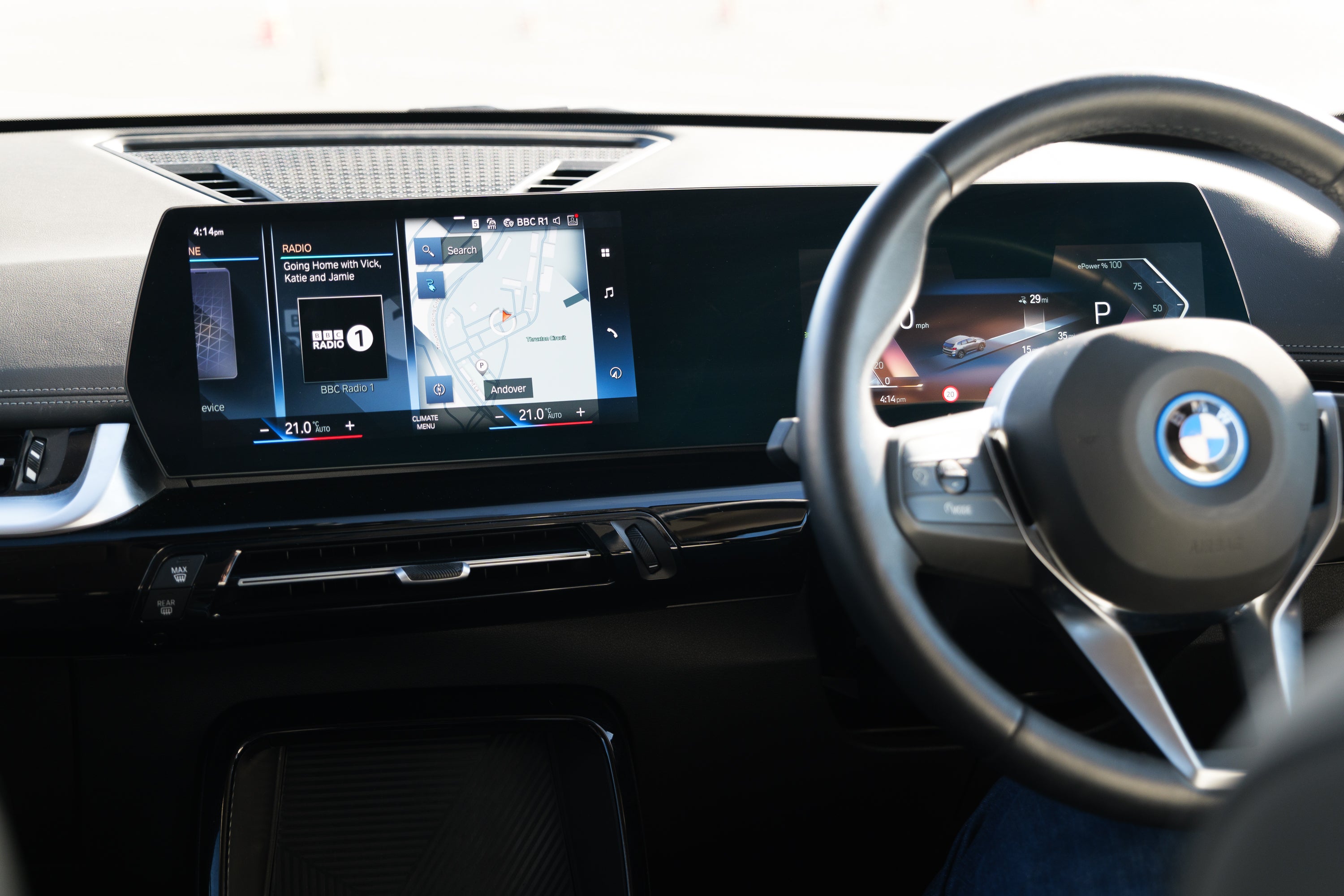
Modern vehicle infotainment display and dashboard control area

Camera buying guide

Choose camera coverage by what you need to see

Dash cameras and parking systems should be selected by viewing angle, mounting position, screen preference, and how much coverage the driver wants from the front, rear, mirror, or cabin-facing setup.

01Front dash camerasBest for recording the road ahead, supporting everyday driving confidence, and keeping a simple windshield-mounted setup.
02Mirror dash camerasUseful when customers want a cleaner mirror-style display with front and rear visibility in one central position.
03Backup and parking displaysBetter for reversing support, guide lines, parking sensors, display monitors, and camera-assisted awareness.

Infotainment guide

Match the screen to the way you drive

Apple CarPlay, Android Auto, and Bluetooth media receivers are best compared by interface clarity, phone compatibility, dashboard fit, audio control, screen visibility, and the kind of daily navigation or media experience the driver wants.

Choose CarPlay or Android AutoBest for customers who want familiar phone apps, navigation, calls, music, and messages on the vehicle screen.
Choose Bluetooth receiversBest for a simpler wireless audio and calling upgrade without a full touchscreen replacement.
Premium in-car infotainment screen with dashboard controls

Power and mounting guide

Keep devices powered and placed cleanly

Power accessories and phone holders should be chosen by device count, charging speed, dashboard placement, cable control, grip strength, and whether the customer needs one compact charger or a fuller in-car power setup.

01USB-C chargers and fast adaptersBest for customers who need faster charging for phones, tablets, dash cameras, or passenger devices.
02Power inverters and 12V splittersBest when multiple devices need power from one vehicle charging area.
03Phone mounts and magnetic holdersBest for safer screen placement, cleaner navigation, and reduced cable clutter around the dashboard.
Phone mounted on a car dashboard for hands-free navigation
OBD-II diagnostic port inside a vehicle under the dashboard

Diagnostics and safety guide

Use diagnostic and safety tools for added confidence

OBD-II scanners, Bluetooth adapters, remote starters, alarm systems, tire pressure monitors, and digital inflators support customers who want practical vehicle insight, security control, and tire-readiness support without changing the entire dashboard setup.

OBD-II scanners and adaptersGood for quick diagnostic awareness and reading vehicle information through compatible tools.
Remote starters and alarmsUseful for customers who want added vehicle access convenience and security support.
Tire monitors and inflatorsHelpful for pressure awareness, routine readiness, and quick tire support during everyday driving.

Final buying check

Confirm these points before checkout

Before choosing a CoreDrive product, customers should confirm the device category, placement area, connection method, power needs, included accessories, and the support policy around delivery, returns, exchanges, and discounts.

01

Placement

Confirm whether the item belongs on the windshield, mirror, dashboard, receiver slot, console, charging port, or tire setup.

02

Compatibility

Review device connection, screen needs, charging requirements, mounting method, and included accessories before buying.

03

Support

CoreDrive offers 24/7 customer support, free shipping on all products, and delivery within 3–5 calendar days.

04

Flexibility

Email subscribers receive 15% off sitewide, selected products receive 20% off, and returns or exchanges are free within 30 days.