Keep sightlines clean
Mount devices where they support use without blocking visibility or cabin controls.
Installation Tips
CoreDrive installation tips help customers place dash cameras, infotainment receivers, phone mounts, chargers, scanners, parking displays, alarms, and tire tools with a cleaner cabin feel and more confident everyday use.
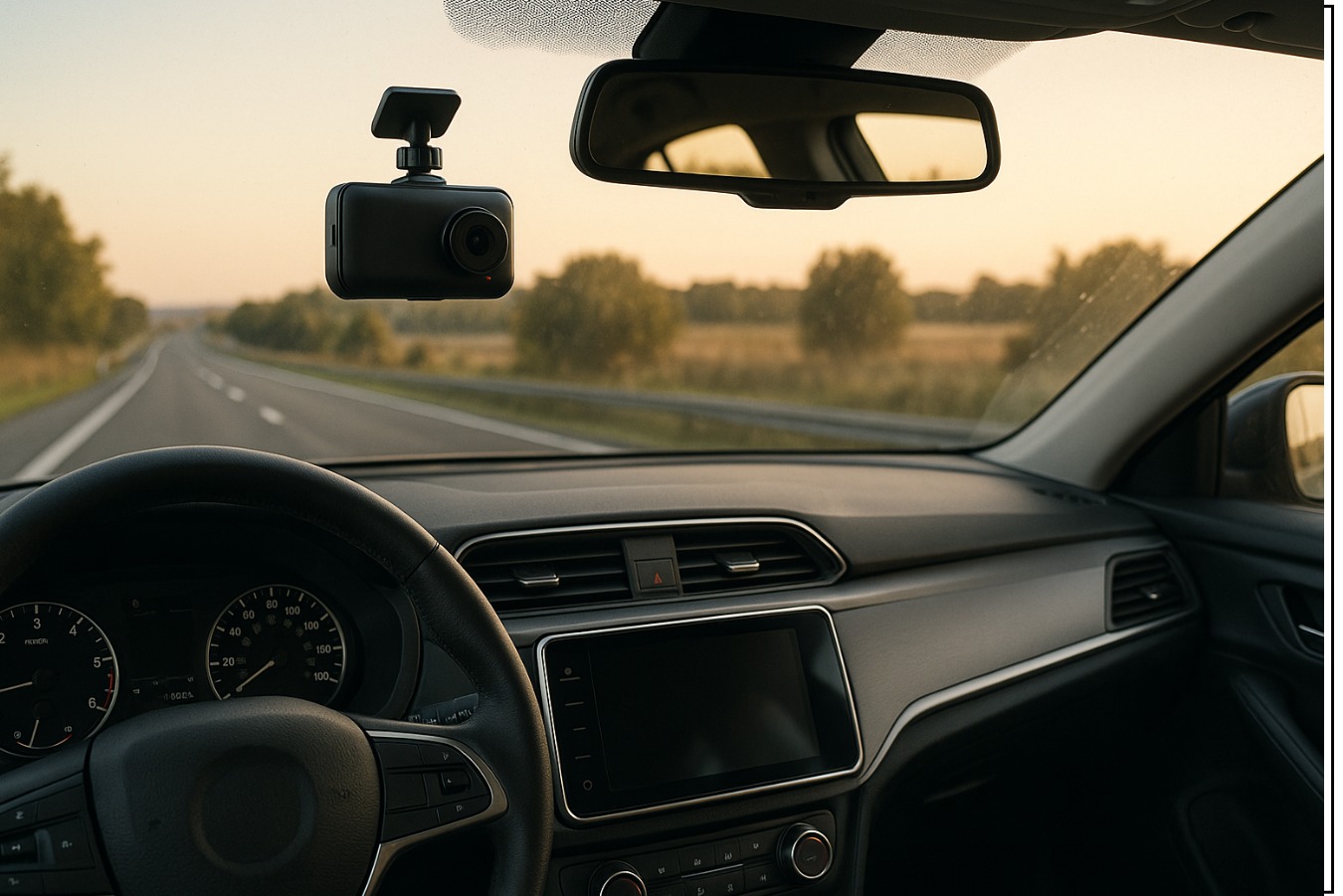
Mount devices where they support use without blocking visibility or cabin controls.
Route charger and dash camera cables neatly around trim, vents, and console areas.
Confirm mount, port, receiver, and accessory fit before final placement.
CoreDrive support is available 24/7 for setup and product questions.
Install map
Installation feels easier when the customer thinks in stages: identify the product location, check the power source, test the function, then clean up the cabin with careful cable routing and final alignment.
Decide whether the product belongs on the windshield, mirror, dashboard, receiver slot, vent, console, OBD-II port, or tire area.
Hold the device in place first and confirm visibility, reach, screen angle, connection, and cable length before final mounting.
Keep cables away from pedals, steering movement, airbag areas, sharp trim edges, and frequently used storage spaces.
Power the device, check display response, adjust angles, review recording or charging behavior, and secure loose accessories.
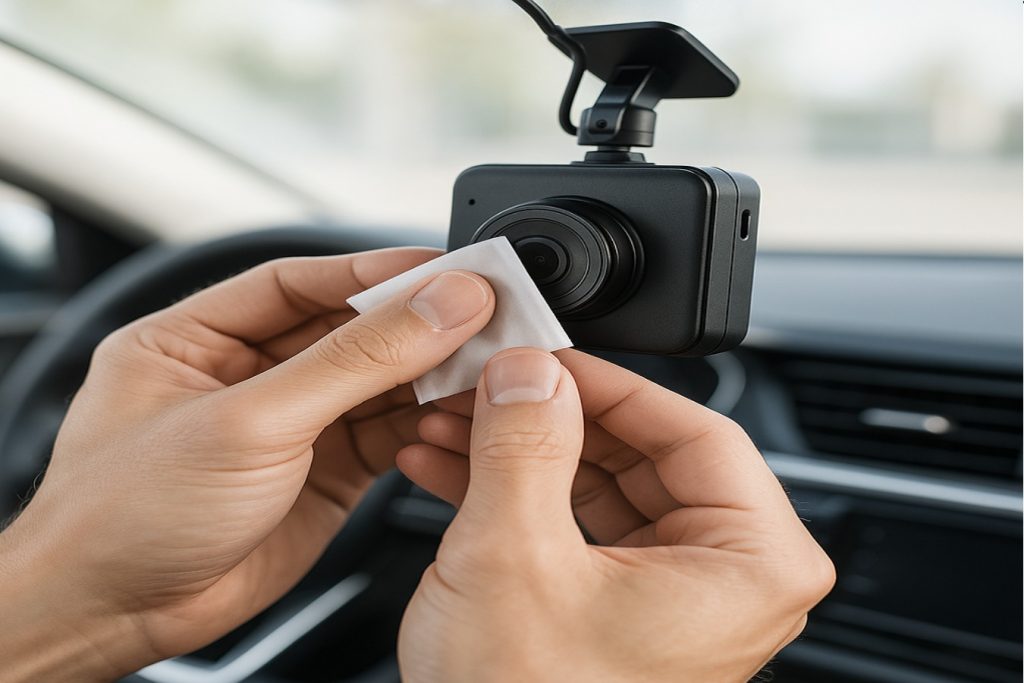
Dash camera setup
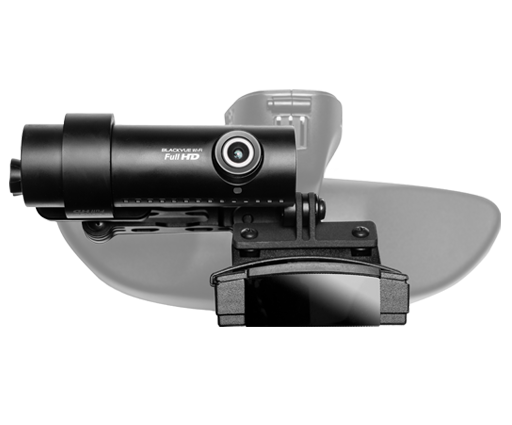
Front dash cameras, mirror dash cameras, backup camera kits, parking displays, and dual or 3-channel camera systems should be positioned with clear visibility, stable mounting, and clean cable direction.
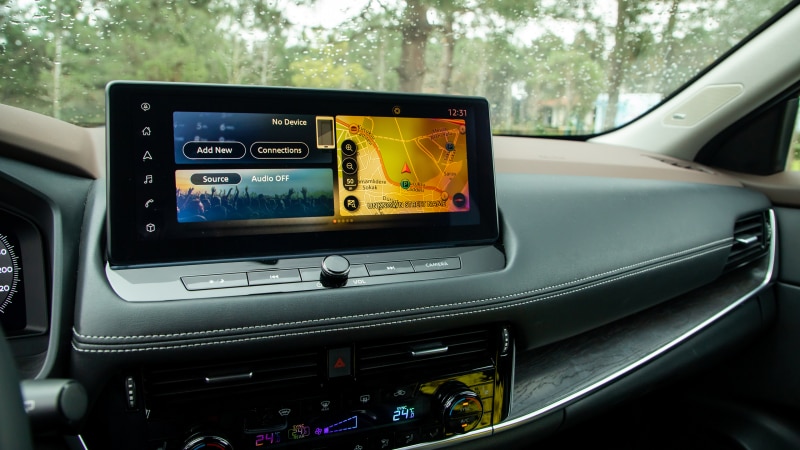
Infotainment setup
Apple CarPlay and Android Auto receivers, Bluetooth digital media receivers, parking monitors, and display screens should be tested for viewing angle, touch reach, glare, audio connection, and cable access before daily use.
Mounts and power
USB-C car chargers, fast adapters, power inverters, 12V splitters, phone mounts, and magnetic holders should be installed with attention to reach, cable direction, grip strength, heat exposure, and space around the console.
Final checks
Before using a newly installed product daily, confirm that the device is secure, powered correctly, easy to control, and not blocking the driver’s view, pedals, mirrors, vents, steering movement, or important dashboard controls.
Confirm cameras, screens, holders, and display monitors do not block the road view, mirrors, or dashboard warnings.
Test USB-C chargers, splitters, inverters, dash cameras, receivers, and monitors before securing the final cable path.
CoreDrive offers 24/7 support, free shipping, 3–5 calendar day delivery, and free returns or exchanges within 30 days.